
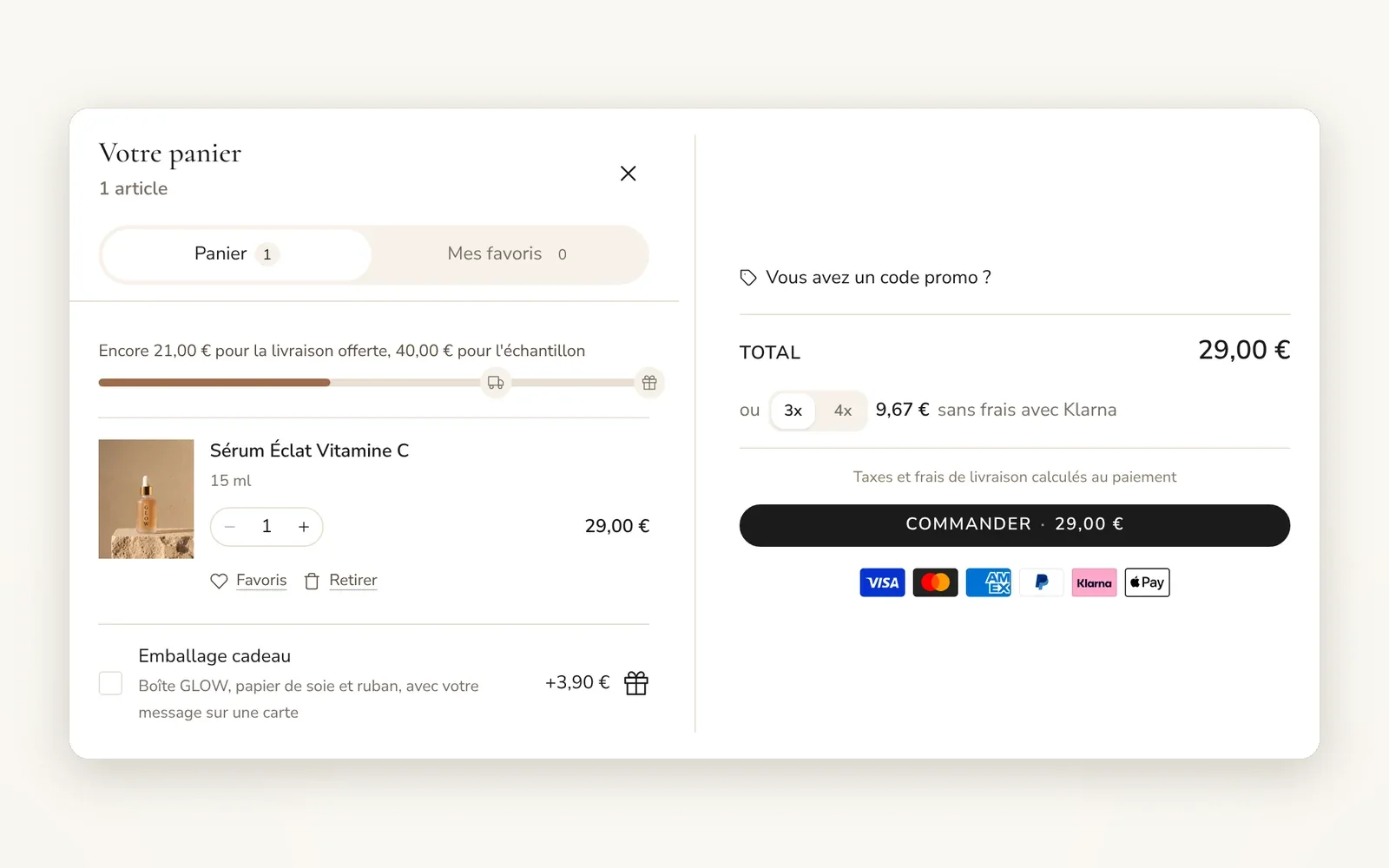
A cart drawer and a cart page
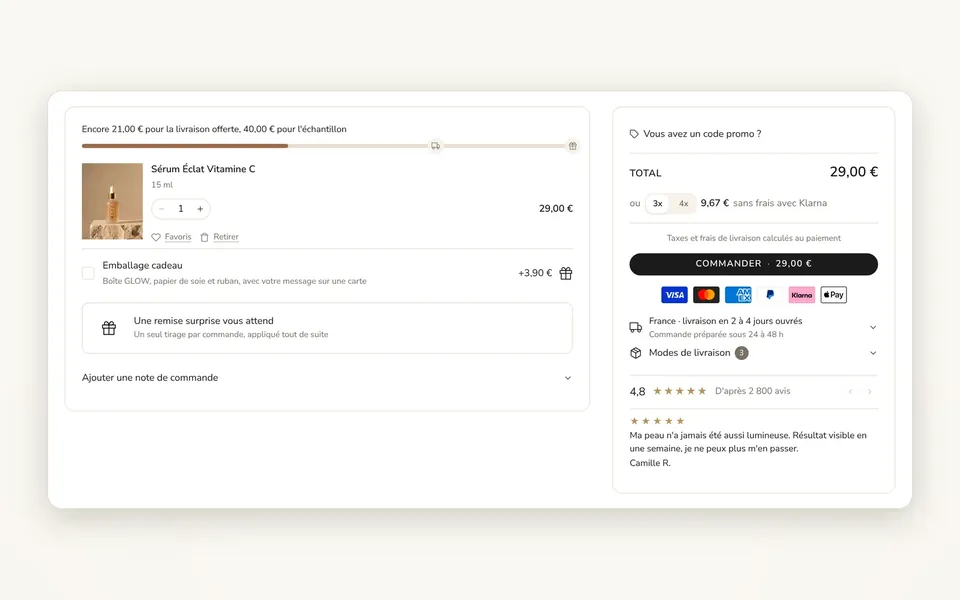
Pick drawer, page or both. The shopper edits items, sees the total and goes to checkout without leaving the page.
What it does
- Drawer that opens on add to cart, on the left or right
- Quantity, remove, save to wishlist and total updated without a reload
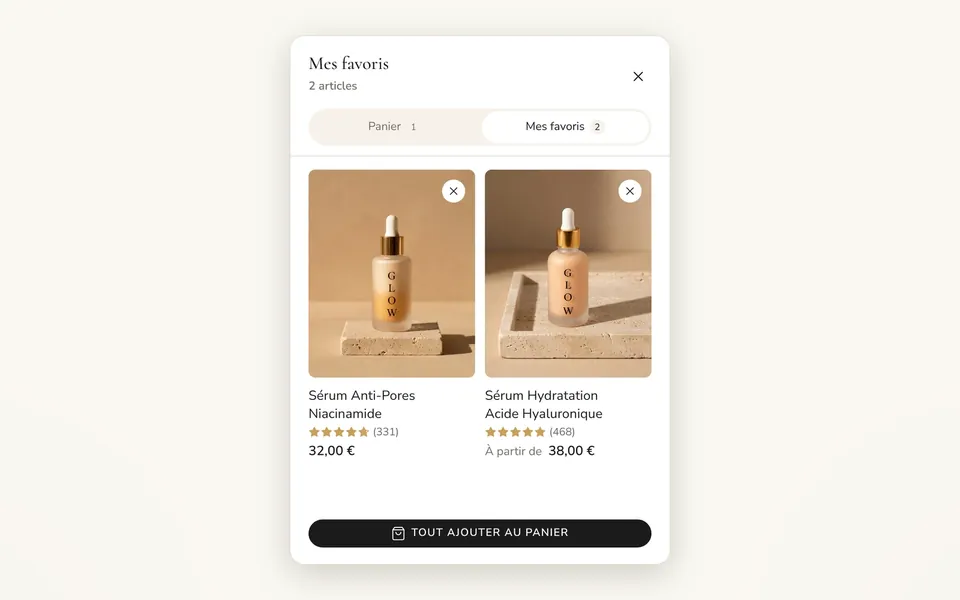
- My wishlist tab, installment payments shown and payment logos
What you can set
- Cart type
- Drawer position
- Open the drawer when a product is added to cart
- Show wishlist tab
- Show discount code field
- Show express payment buttons
Where to find it
Theme editor›Theme settings›Cart (Cart type), then the Cart drawer section in the overlay group
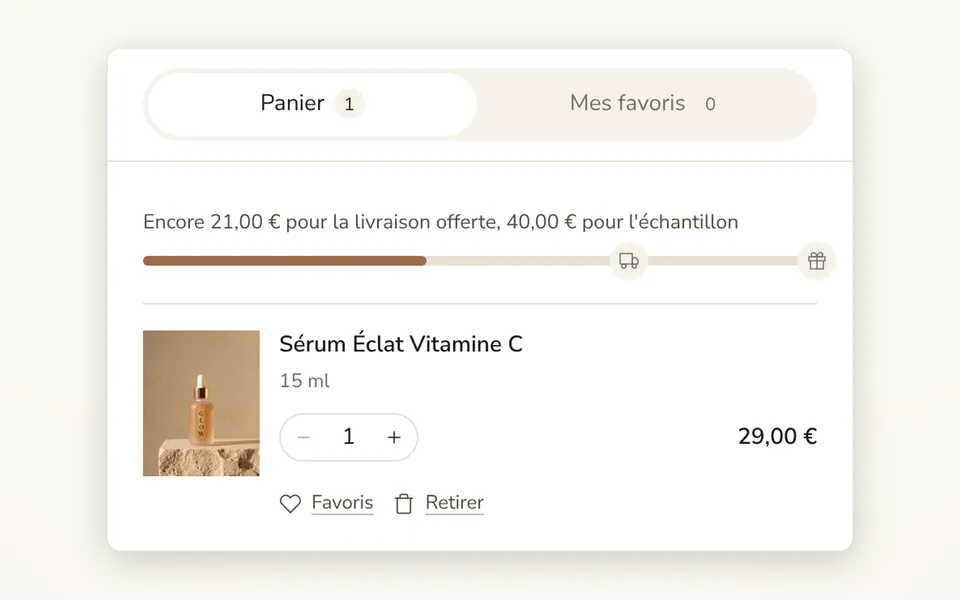
Add a product to the cart, then click the cart icon at the top right: the cart slides open with the Panier / Mes favoris tabs, the shipping bar, the item (quantity, Favoris, Retirer), gift wrapping, "Complétez votre routine", the total, 3x / 4x installments, the Commander button and the payment logos.
Related features
Your store deserves better than an empty theme.
Try Speedfly for 14 days on your real store. Not convinced? Cancel in one click.