
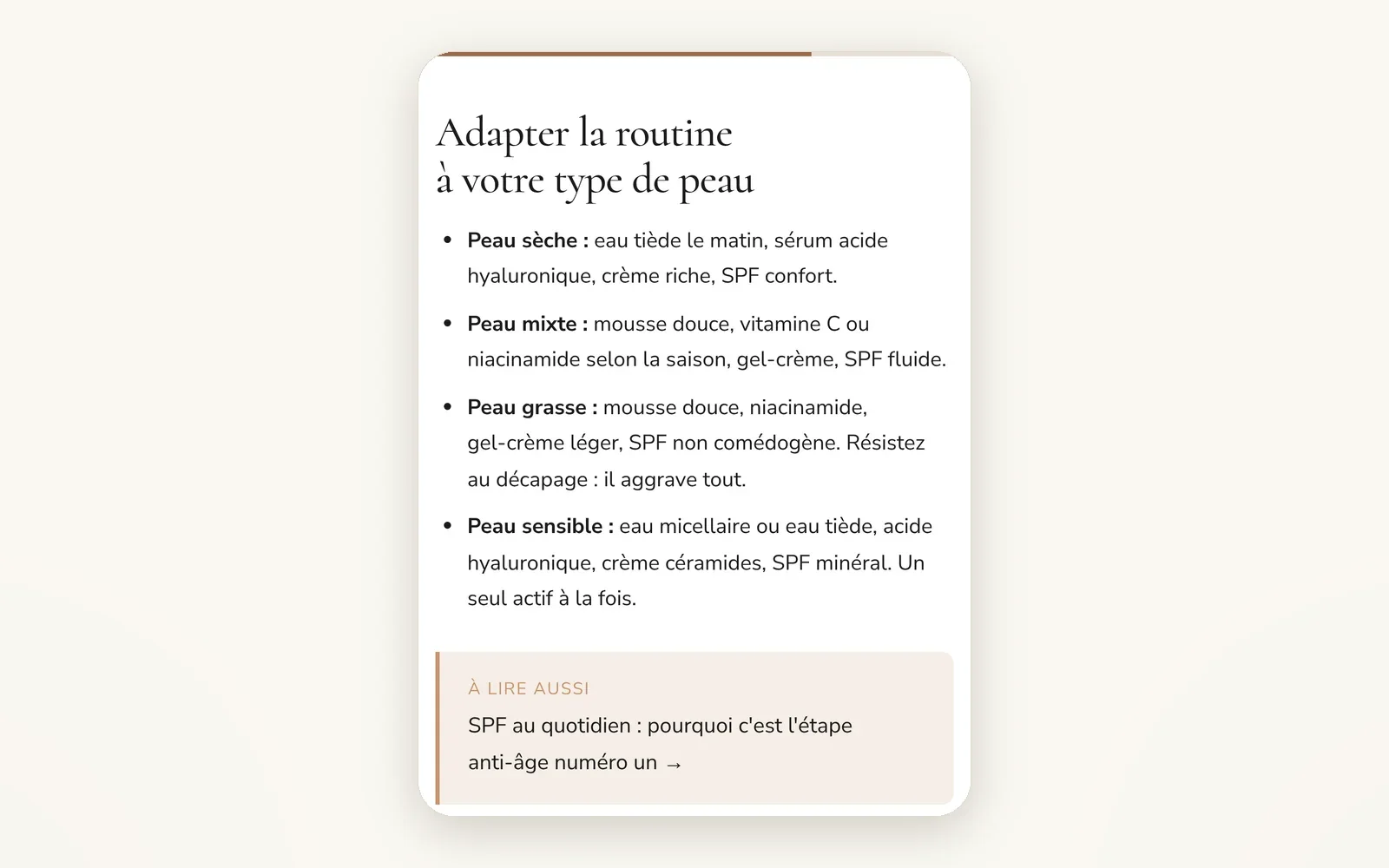
A bar that tracks reading progress
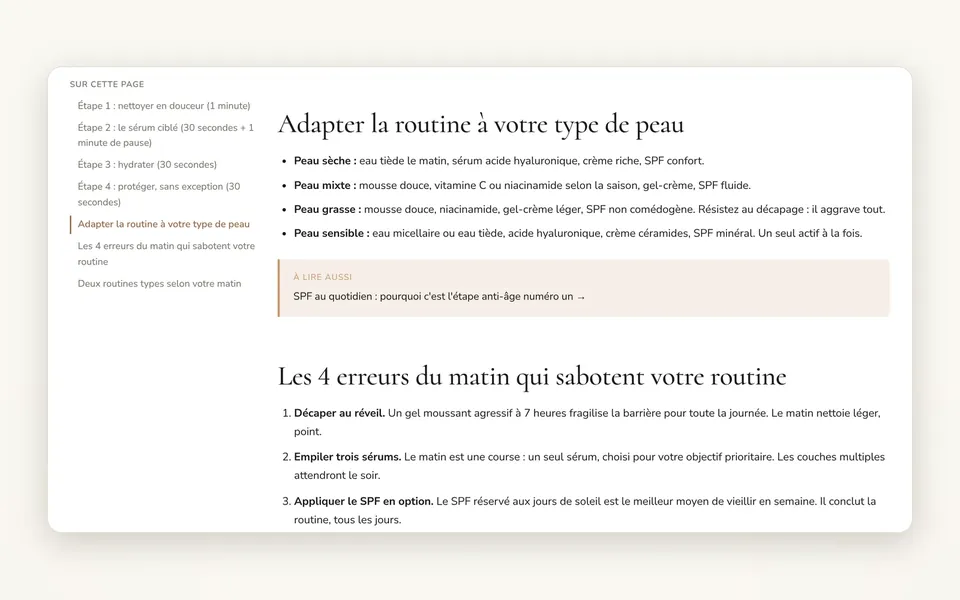
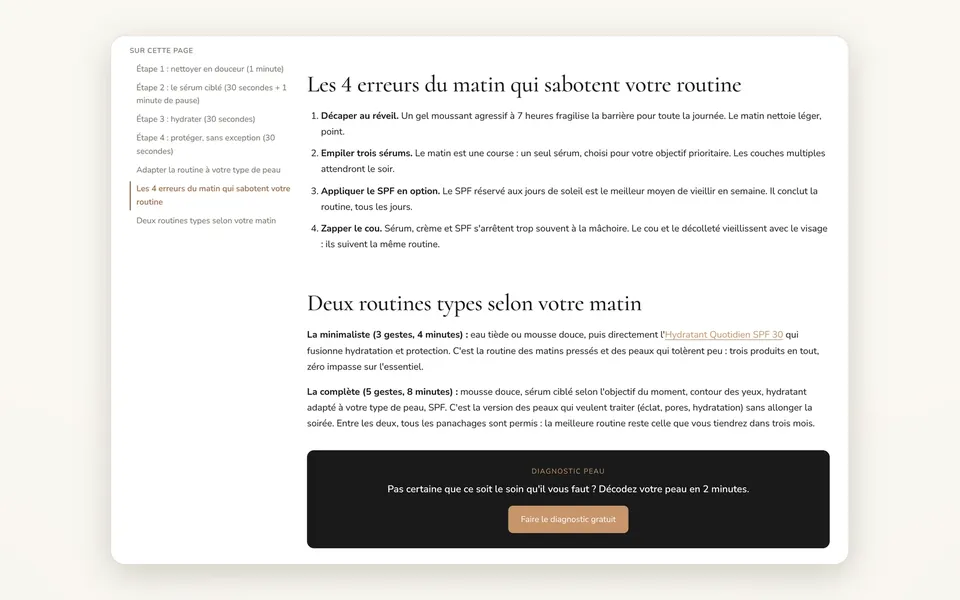
A thin bar at the top of the screen fills up as your reader moves through the article: they always know where they are.
What it does
- Fixed bar at the top of the screen, on desktop and mobile
- Fills up based on the position in the article body, not the whole page
- Can be turned on for the whole blog at once, or template by template
What you can set
- Reading progress bar (Theme settings > Blog & Articles)
- Reading progress bar: Default, Show, Hide (Article section)
Where to find it
Theme editor›Theme settings›Blog & Articles›Reading, or Article template›Article section›Reading
Thin bar at the top of the screen that fills up as you scroll down a post.
Related features

Your store deserves better than an empty theme.
Try Speedfly for 14 days on your real store. Not convinced? Cancel in one click.