
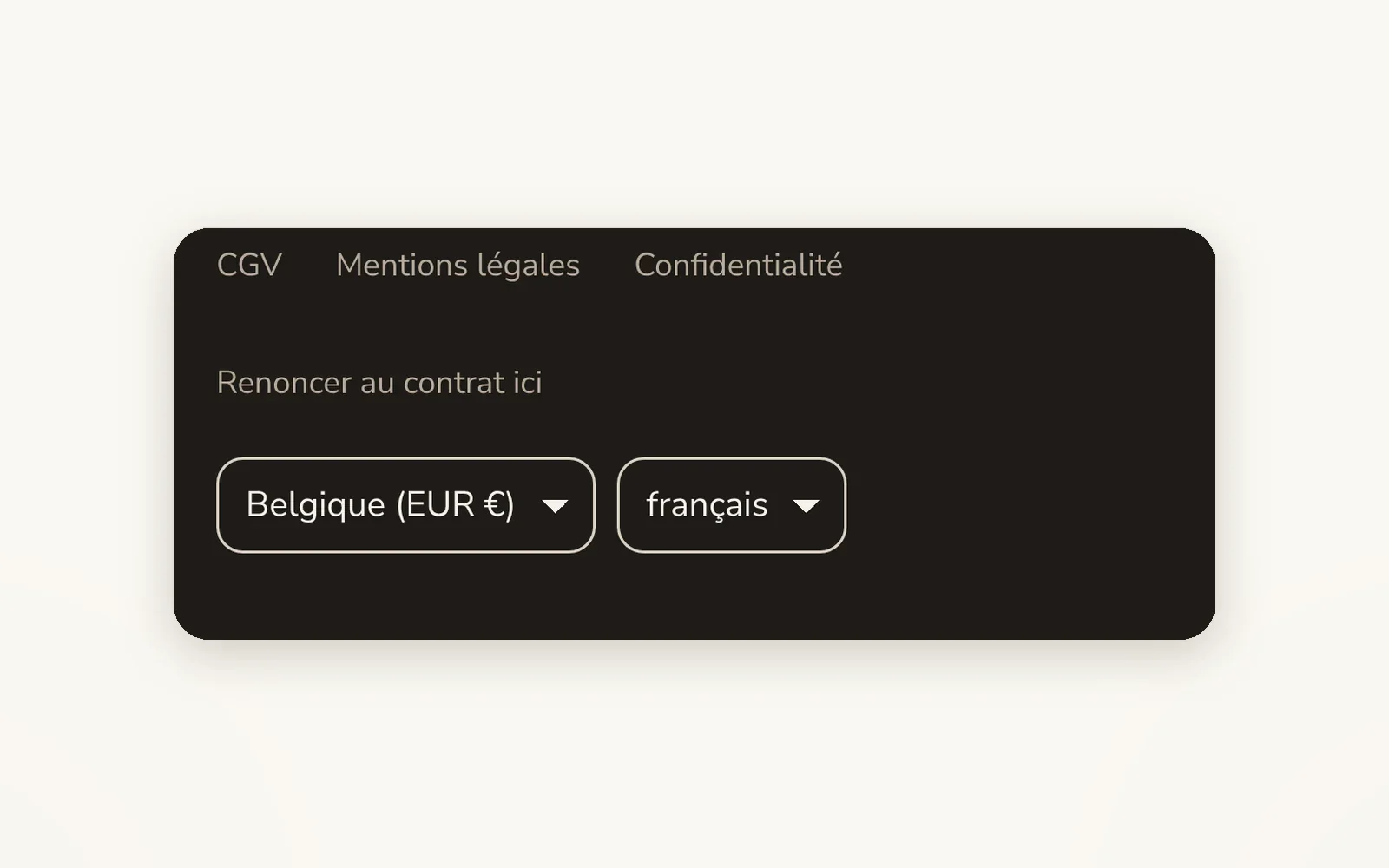
Language and currency selectors
Add a language and country (currency) selector to the header or footer, connected to Shopify Markets.
What it does
- A block for the header and a block for the footer
- Language, country and currency, or both, as a dropdown, flag + text, text or flag only
- Uses the languages and countries enabled in Shopify admin > Markets
What you can set
- Show (Currency and language, Currency only, Language only)
- Separator
- Layout (Inline, Stacked)
- Show currency selector
- Show language selector
- Selector style
Where to find it
Theme editor›Header›column›add the Header · locale selectors block (or Footer›column›Footer · locale selectors); style in Theme settings›Currency & language
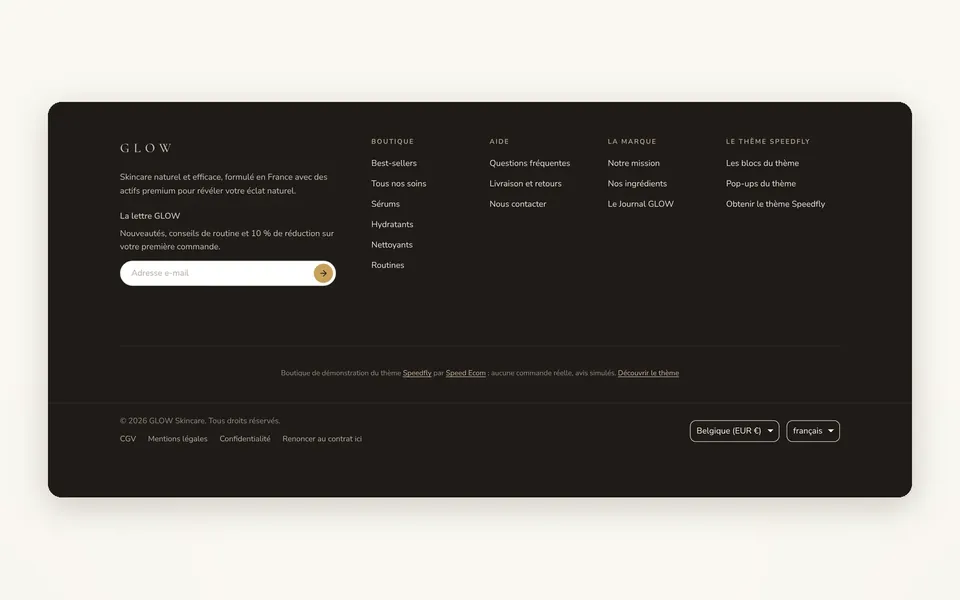
At the very bottom of the page, in the footer: the country/currency menu (Belgique (EUR €)) and the language menu (français). On the right on desktop, on the left on a phone.
Related features
Your store deserves better than an empty theme.
Try Speedfly for 14 days on your real store. Not convinced? Cancel in one click.